
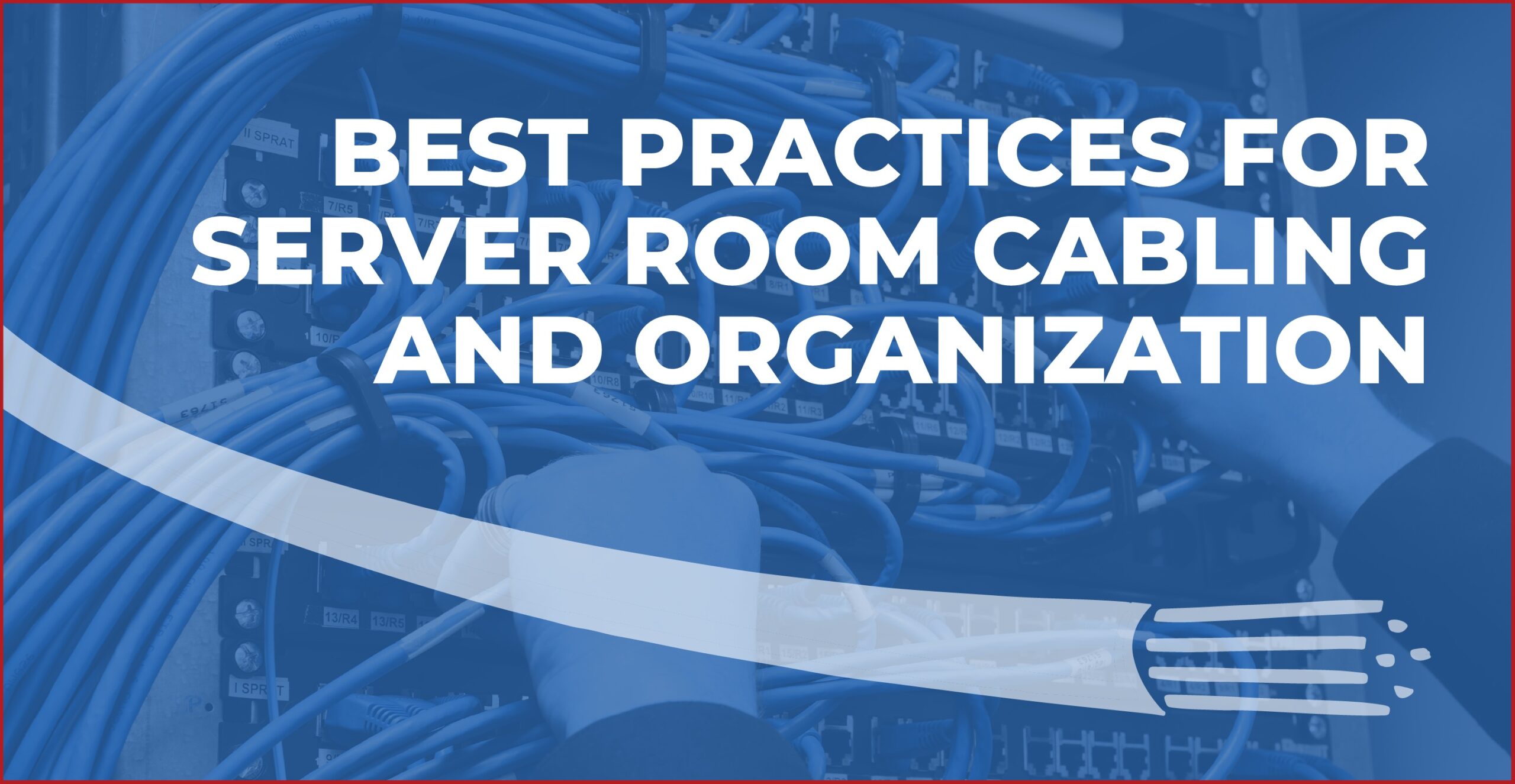
Well-organized server room cabling improves network performance and simplifies maintenance.
It also reduces downtime and supports future growth.
Following proven cable management practices from the start makes troubleshooting faster and protects valuable equipment.
It also creates a safer, more efficient IT environment.
A routine server upgrade suddenly grinds to a halt when technicians spend an hour tracing a single unlabeled cable through a tangled rack.
Small organization mistakes can quickly turn into costly delays, unexpected outages, and expensive service calls.
As businesses continue expanding their digital infrastructure, structured cabling and thoughtful server room organization have become essential for keeping networks reliable, scalable, and easy to manage.
Benefits of IT Infrastructure Organization
A well-organized server room delivers advantages that extend far beyond appearance.
Clean cable management supports reliable network performance.
It also simplifies maintenance and creates an environment that is easier to expand as technology needs change.
Investing time in proper organization can also reduce operational costs by preventing issues that lead to downtime or lengthy troubleshooting.
The biggest benefits include:
- Faster identification of network connections during maintenance
- Improved airflow that helps keep servers operating at safe temperatures
- Reduced risk of accidental cable disconnections
- Easier installation of new equipment and future upgrades
- Quicker troubleshooting when network problems occur
- Better protection against cable damage caused by excessive tension or poor routing
- A safer workspace with fewer trip hazards and obstructions
- More accurate documentation that supports long-term infrastructure management
Organized cabling also improves day-to-day efficiency for IT teams.
Technicians spend less time tracing cables, locating ports, or untangling connections, allowing them to focus on higher priority tasks.
Server Cable Management Tips
Managing server cables is a multi-step process.
It requires careful planning for your whole system.
Plan Before Running Any Cable
Start by deciding where major equipment will be installed and how technicians will access it for maintenance.
Think about cable routes before mounting hardware so connections can follow the most direct paths without blocking ventilation or creating congestion.
Planning also prevents patch panels, switches, and power distribution units from competing for the same space.
Think beyond the current project for the best server room setup.
Your network will likely grow over time as new servers or communications equipment are introduced.
Leaving available rack space, reserving capacity in cable pathways, and documenting your layout makes future upgrades much less disruptive.
Separate Cable Types
When power, copper data, fiber optic, and other connections are bundled together without a clear system, tracing a single cable during maintenance can become a frustrating and time-consuming task.
Organized cable paths make it easier to identify connections while reducing the risk of accidental disconnections.
Establish dedicated routes for each cable type and maintain that structure across all racks.
The best network cabling strategies involve routing power cables on a separate path from network cabling whenever possible.
Fiber optic cables deserve their own protected routing to prevent unnecessary stress or damage.
Using separate cable managers or trays also helps keep bundles neat as additional equipment is installed.
Use Structured Cable Pathways For Efficient Server Room Design
Instead of allowing cables to hang behind racks or follow the shortest available route, structured pathways keep every connection supported and easy to identify.
This approach creates a cleaner installation while reducing the likelihood of tangled bundles that complicate maintenance.
Design cable routes that guide connections through dedicated pathways from patch panels to switches and servers.
Overhead trays and horizontal organizers help direct cables without placing unnecessary strain on connectors or blocking access to equipment.
Keeping cables within defined routes also leaves more open space around hardware.
Cooling systems can circulate air more effectively.
Label Properly
Even a neatly routed cable can be difficult to manage if no one knows where it begins or ends.
Consistent labeling eliminates guesswork during maintenance and makes technicians more efficient.
It also reduces the chance of disconnecting the wrong device.
Every cable should be labeled at both ends using a standardized naming convention.
Labels should remain easy to read after installation.
Handwritten tags may work temporarily, but professionally printed labels are generally easier to read and less likely to fade or fall off.
Schedule Regular Maintenance
Routine maintenance helps preserve the organization established during installation.
It also identifies small issues before they become costly problems.
During scheduled inspections, check that cables remain securely fastened, labels are accurate, and pathways are free from unnecessary congestion.
Remove abandoned cables and confirm that equipment can be accessed without disturbing nearby connections.
Small adjustments throughout the year are far easier than reorganizing an entire server room after years of neglect.
Frequently Asked Questions
How Do You Identify Bottlenecks in an Aging Server Room?
Identifying bottlenecks begins with evaluating both the physical infrastructure and network performance.
Watch for signs such as:
- Overcrowded racks
- Tangled or unlabeled cables
- Limited rack space
- Poor airflow
- Slow network speeds
- Recurring equipment failures
- Switches or patch panels operating at full capacity
Reviewing network monitoring data, inspecting cable management practices, and documenting areas where maintenance takes longer than expected can reveal weaknesses that should be addressed.
How Can Businesses Prepare Their Server Rooms for Disaster Recovery?
Maintain current network documentation.
Back up critical data regularly.
Install uninterruptible power supplies.
Protect equipment with environmental monitoring.
Keep spare cables and essential replacement hardware on hand.
Routine testing of backup systems and recovery procedures also confirms that staff can quickly restore operations if a power outage, hardware failure, or natural disaster disrupts normal business operations.
What Should Businesses Budget for When Upgrading a Server Room?
The total cost of a server room upgrade depends on the size of the project, the condition of the existing infrastructure, and the organization’s long-term technology goals.
In addition to new networking equipment, businesses should budget for:
- Structured cabling
- Racks and cabinets
- Patch panels
- Cable management hardware
- Power distribution units
- Cooling improvements
- Labeling systems
- Testing and certification
- Documentation
- Professional installation
Organize Server Room Cabling Today
Figuring out server room cabling is key to efficient business operations.
A well-organized server room starts with the right design, quality installation, and plans for future growth.
Logical Cabling has more than 30 years of experience serving businesses across Canada and the Southwest USA.
We deliver professional structured cabling, fiber optic solutions, server room installations, and RCDD design services that keep networks efficient, reliable, and easy to manage.
Request a free estimate today.
Looking for Commercial Data Cabling?
Connect with Logical Cabling for professional commercial data cabling services tailored to your business’s connectivity needs. Our RCDD®-certified team delivers high-performance, scalable, and dependable cabling solutions to ensure seamless network operation and long-term efficiency.
Call 602-617-7880 (USA) or 289-204-7230 (Canada) or request an estimate today!


